


CSF, the acronym ConfigServer Security & Firewall, is a widely used firewall application suite for Linux servers. It offers a straightforward interface for managing firewall rules, including whitelisting IP addresses. WHM, a popular control panel for managing web hosting accounts on a server, offers administrative access to server configurations, including CSF settings.
In this detailed guide, we will walk you through the process of whitelisting an IP address in CSF using WHM.
Let’s get started!
Steps to Whitelist an IP address in CSF from WHM
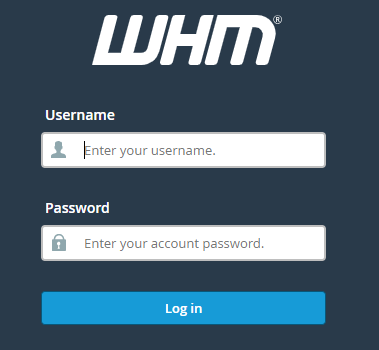
➔ Login to the WHM panel with your username & password.
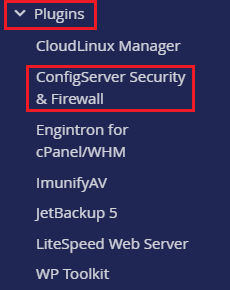
➔ In the panel, locate and click ‘ConfigServer Security & Firewall’ under the ‘Plugins’ section. This will open the CSF configuration interface.
➔ In the CSF configuration interface, look for the section labeled ‘csf – Quick Actions’

➔ Find the ‘Quick Allow’ section. This section allows you to specify IP addresses that will be whitelisted and allow you to access your server without restriction by CSF.

➔ In the ‘Allow IP address’ box, enter the IP you want to allow & click on the ‘Quick Allow’ button.

Once saved, you have to verify that the IP address has been successfully whitelisted by checking the CSF status or testing access from the whitelisted IP.
By following these steps, you can effectively whitelist IP addresses in CSF using WHM, ensuring that specific IPs have uninterrupted access to your server. This will enhance server security by allowing controlled access while blocking unauthorized attempts.
